
Reference
Settings
A tour of the Settings window, the FreeRDP client choice and Dock behavior.
Open Settings from the app menu or with the gear button in the sidebar. Categories are listed in a sidebar, and you can search for any option. Change what you need, then choose Save to apply it or Cancel to discard it.
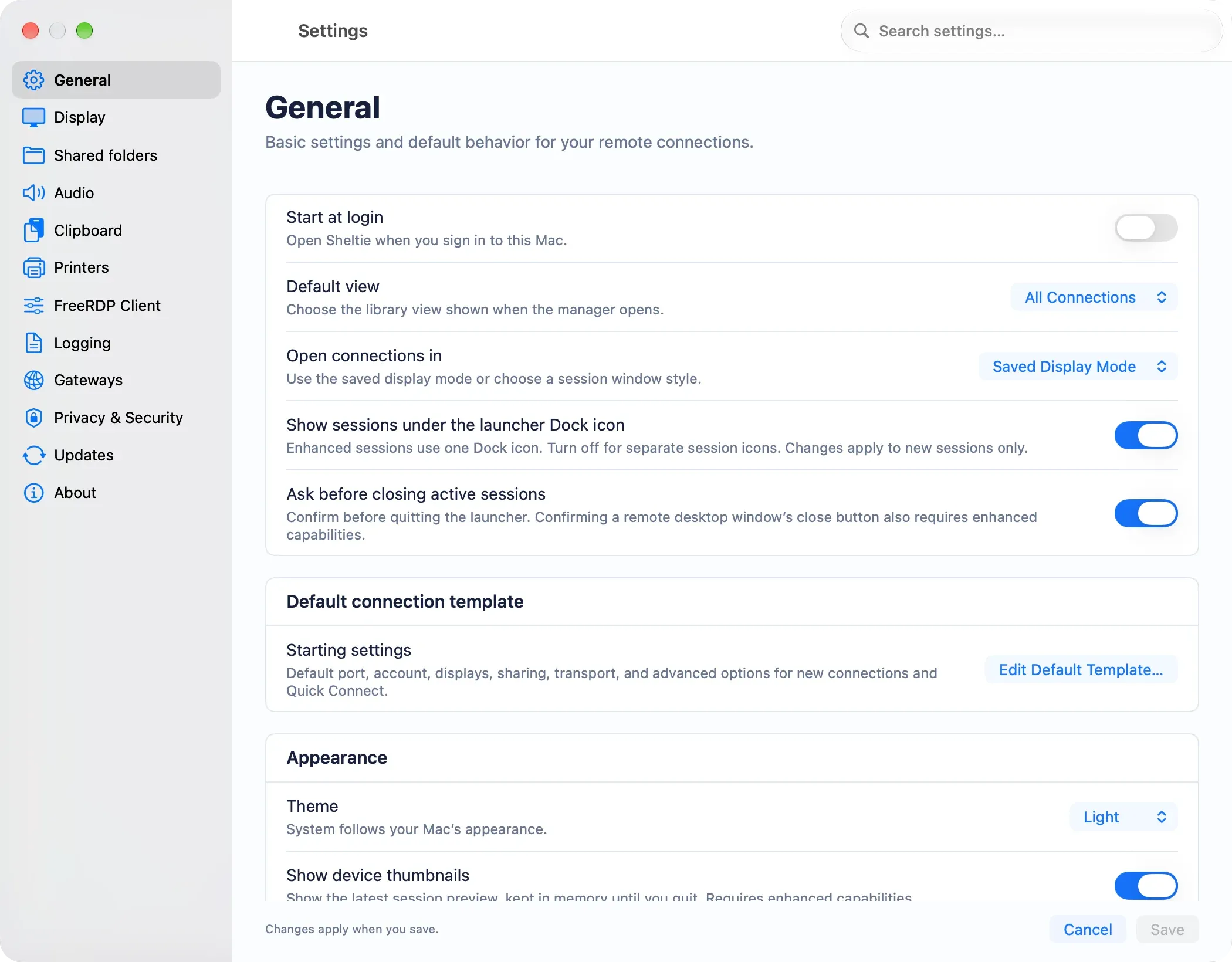
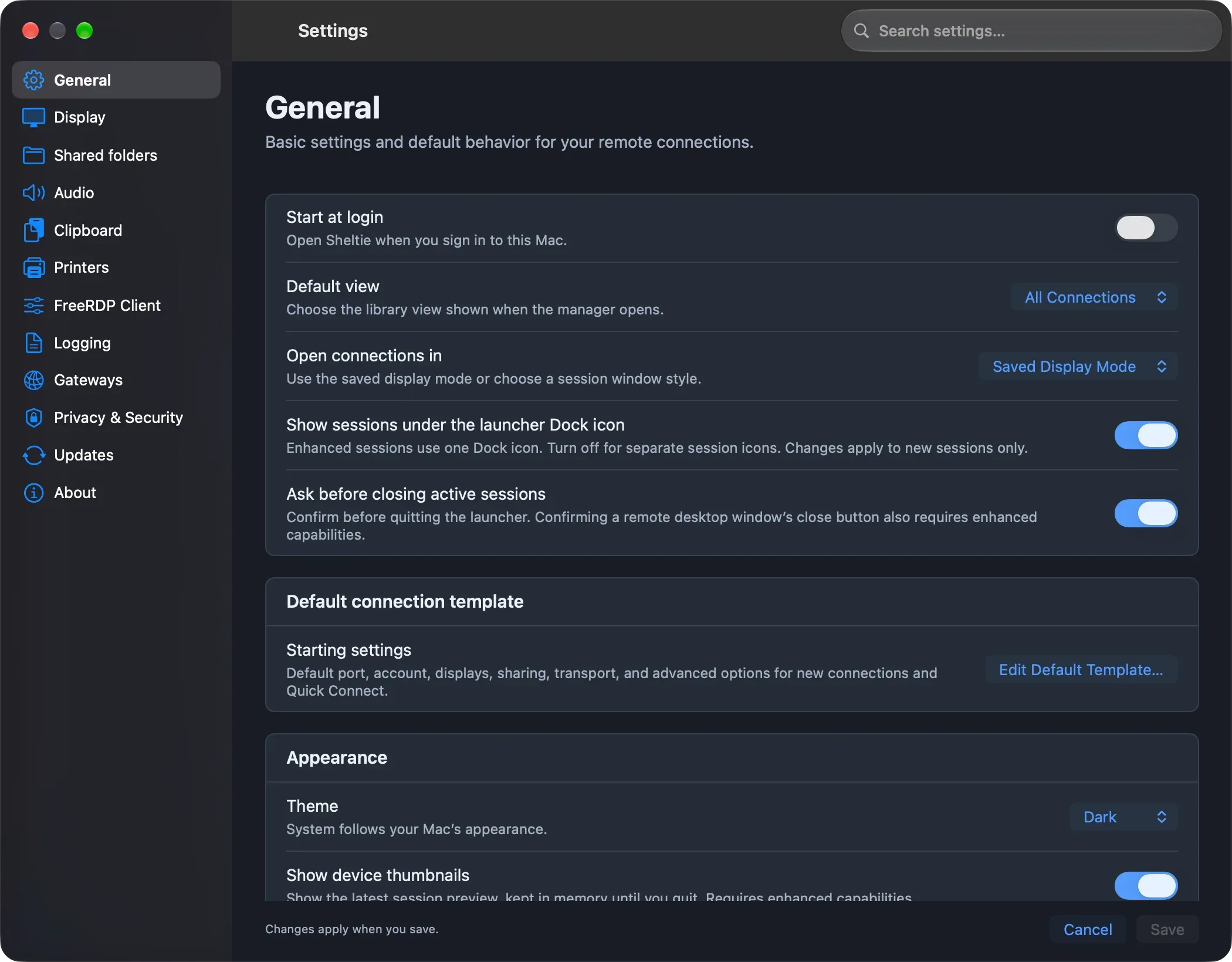
General
- Appearance: System, Light or Dark. This applies to the manager, the editors and every dialog.
- Start at login, using macOS Login Items. System Settings may ask you to approve it.
- The startup view, session window or fullscreen presentation, and sidebar visibility.
- Ask before closing active sessions when you quit.
- Device thumbnails on connection cards (enhanced mode).
- Defaults for reconnect attempts and network timeout.
- Edit Default Template… for everything new connections start with.
Dock behavior
Show sessions under the launcher Dock icon is on by default with the bundled engine. Click Sheltie’s Dock icon to open the manager, or right-click it to jump to an active session. Turn it off to give each new session its own Dock and ⌘Tab entry. Sessions that are already running keep their current mode.
FreeRDP client
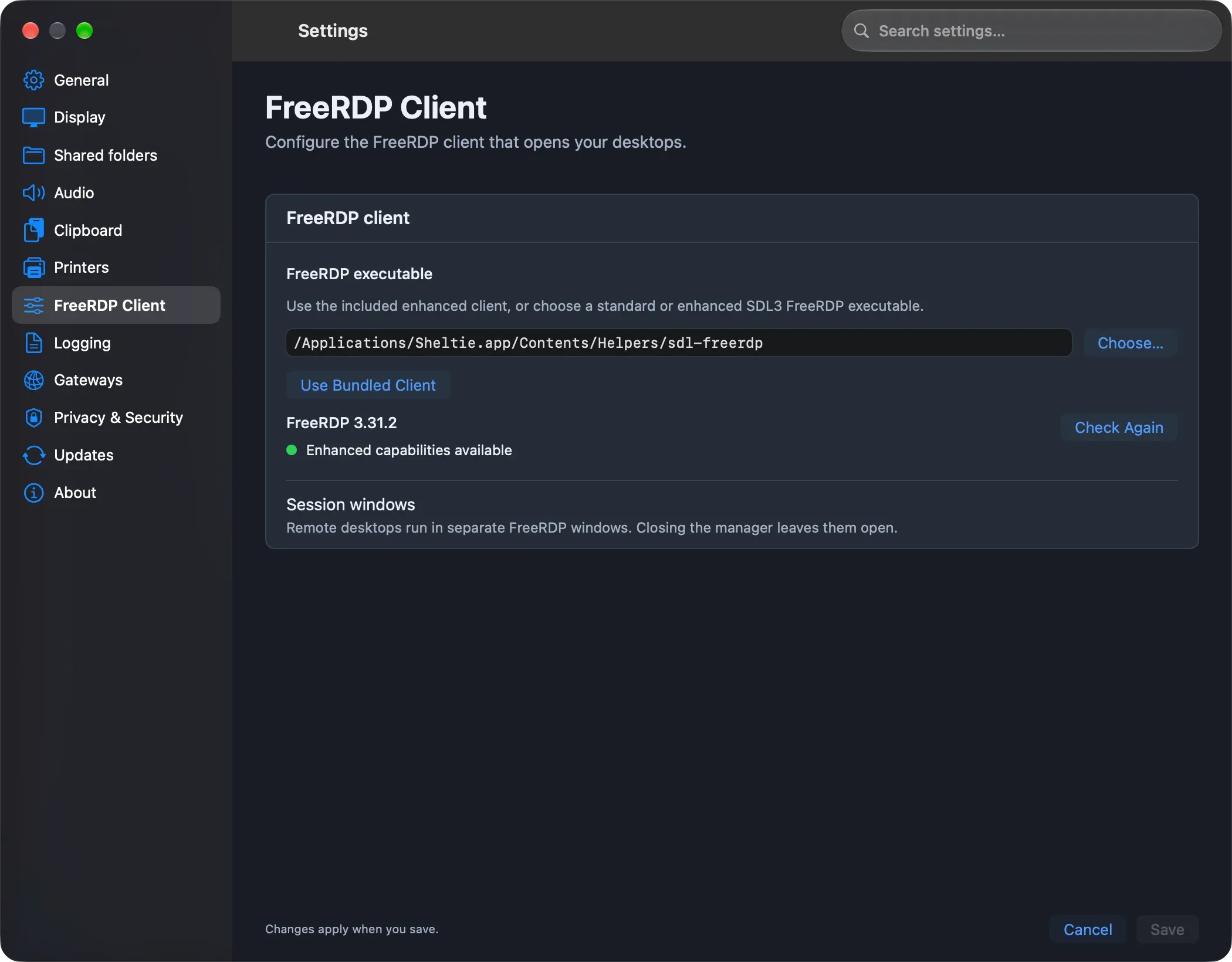
The app uses its bundled enhanced engine by default. Click Choose… to use a different sdl-freerdp executable, or Use Bundled Client to switch back. Sheltie checks the client and shows either Enhanced capabilities available or Enhanced capabilities not available. Check Again runs the check again.
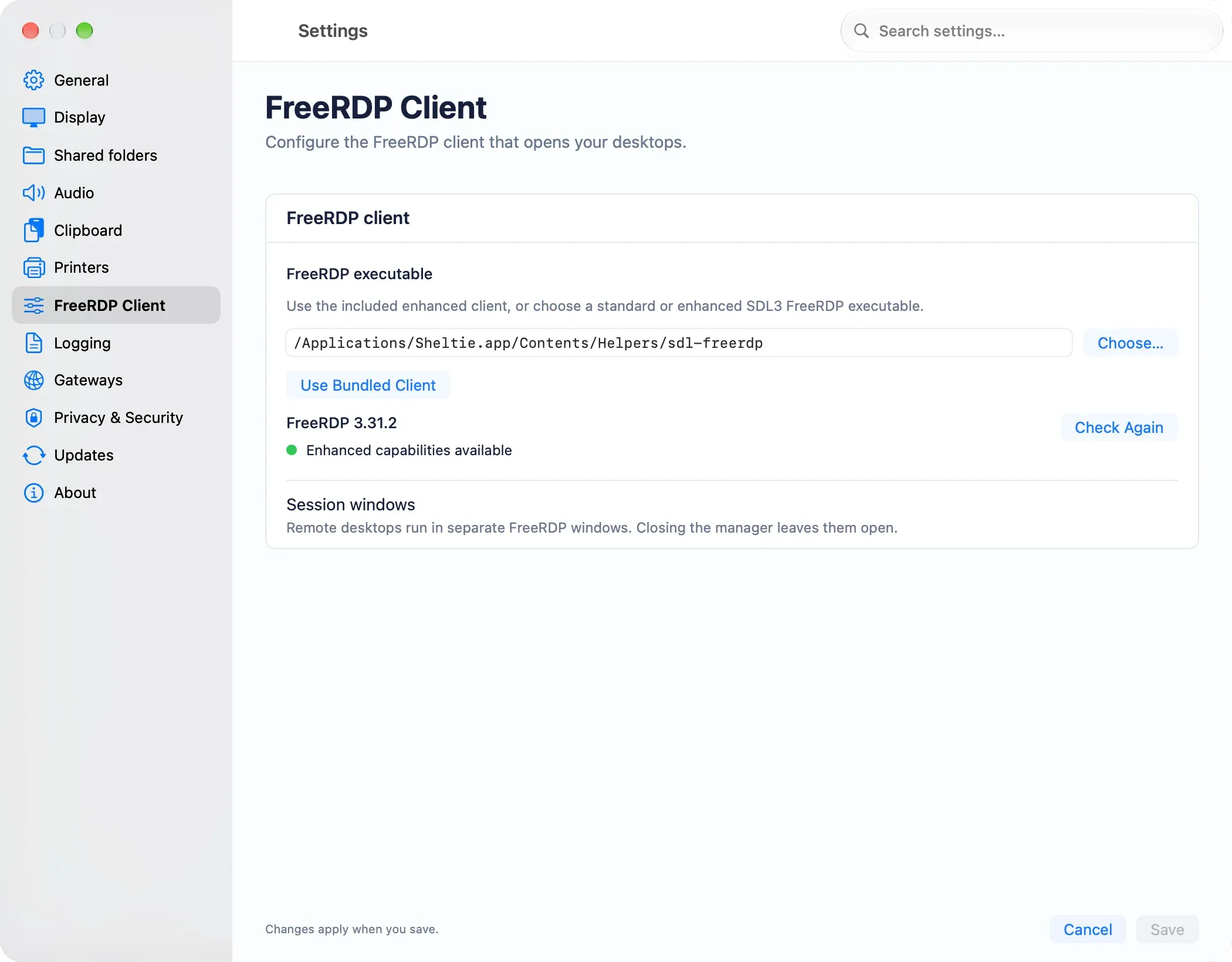
The bundled engine is an enhanced FreeRDP build that unlocks the full native experience. You can also point Sheltie at any standard FreeRDP 3 SDL client:
| Feature | Standard | Enhanced |
|---|---|---|
| Connection library, groups and favorites | ||
| Templates, .rdp import and Quick Connect | ||
| Clipboard, audio and shared folders | ||
| Session logs, disconnect and reconnect | ||
| Native sign-in and certificate dialogs | ||
| Keychain credentials | ||
| Display discovery, primary display and per-display scaling | ||
| Live thumbnails, session focus and detailed status |
Standard mode works with any unmodified FreeRDP 3 SDL3 client. It supports the library, templates, imports, Quick Connect, normal RDP options, logging, disconnect and reconnect. FreeRDP itself handles sign-in and certificates, and controls that need the enhanced engine are disabled.
Display, Audio, Clipboard, Shared folders
These pages set the defaults for new connections. Existing connections keep their own settings.
Logging
- Save session logs is off by default.
- The log level can be FATAL, ERROR, WARN (the default), INFO, DEBUG or TRACE.
- You can set a maximum file size and rotation, and have old logs deleted automatically (after 14 days, or beyond a number of completed sessions you choose).
- Open Logs Folder shows the logs in Finder.
Logs are stored in ~/Library/Logs/Sheltie/. File names never contain host or account names.
Informational pages
Printers, Gateways and Updates describe features that aren’t available yet. Privacy & Security and About describe how the current build handles your data.