
Using the app
Clipboard, audio and folders
Share your clipboard, play remote sound and redirect Mac folders.
Open a connection’s Sharing tab:
- Share clipboard lets you copy and paste between the Mac and Windows.
- Sound chooses where remote audio plays.
- Add Folder… shares a Mac folder. Shared folders appear in Windows as redirected drives.
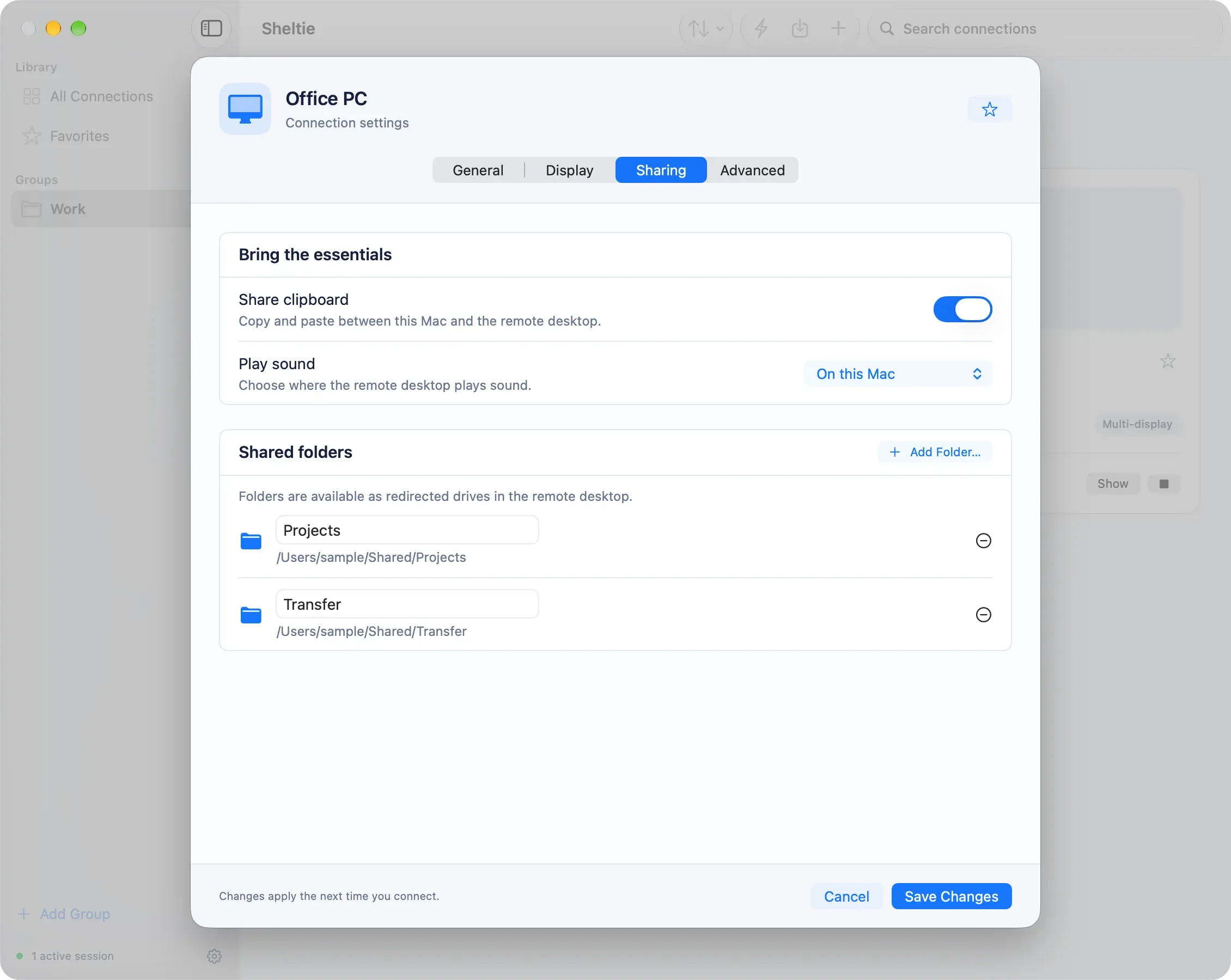
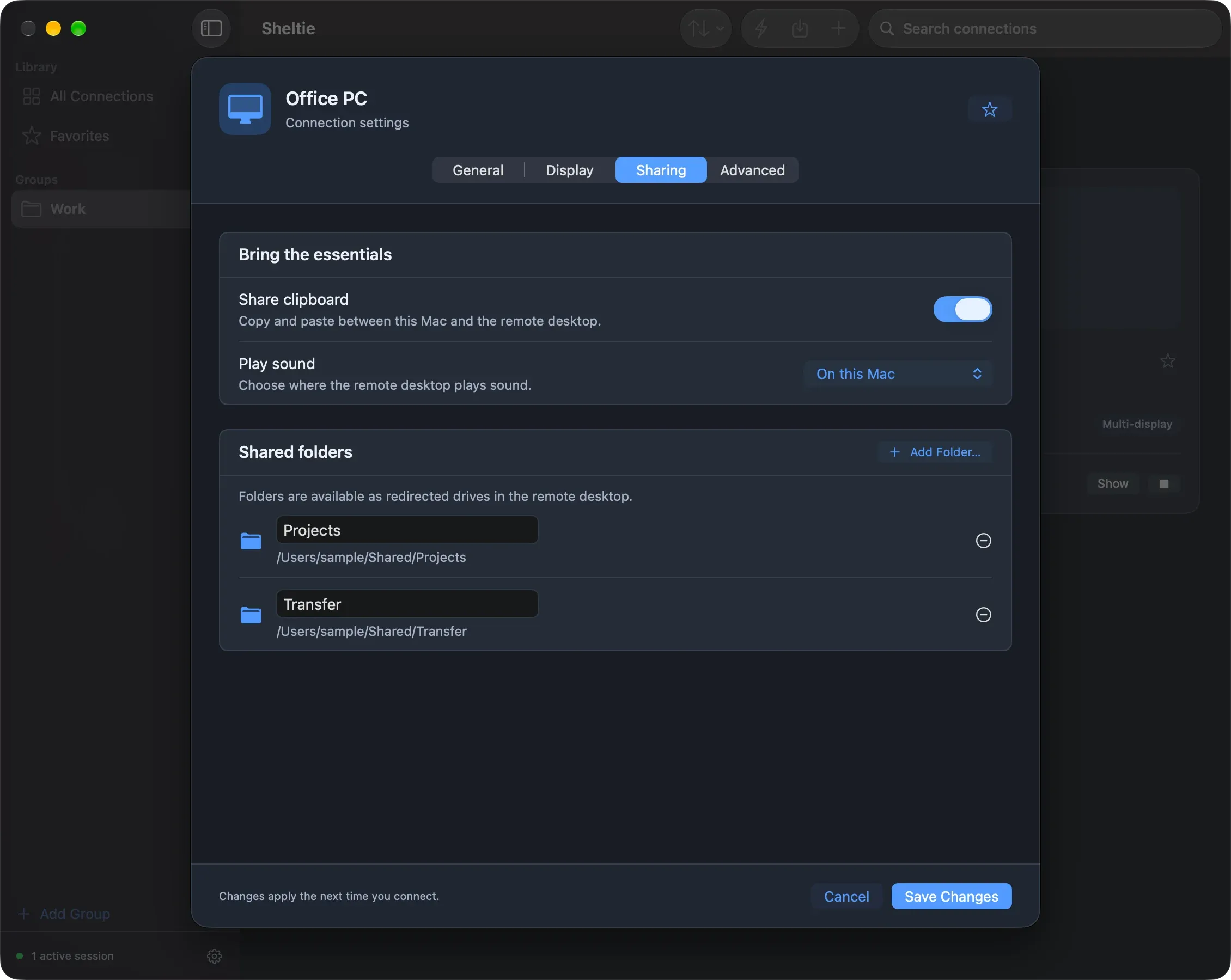
Save and reconnect after changing these options.
New connections get their sharing defaults from Settings → Clipboard, Settings → Audio and the default template.
Printer redirection is not supported yet.